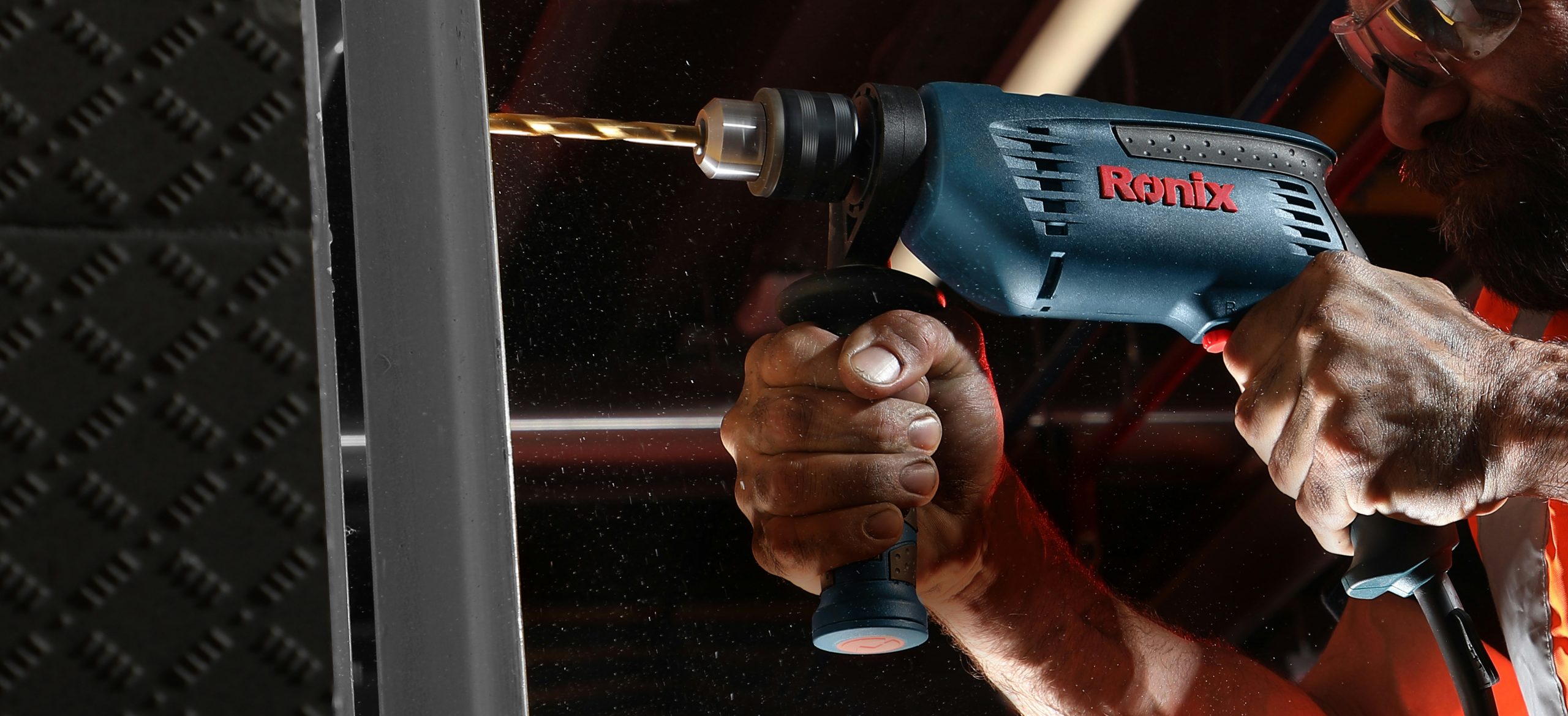
So you’ve got yourself a drill press and you’re ready to embark on some serious DIY projects. But wait, have you ever found yourself drilling deeper than you intended, leaving you with uneven holes and frustrating results? Fear not, because in this article, we’re going to talk about the lifesaver known as a depth stop in a drill press. Whether you’re a beginner or a seasoned pro, understanding how to use a depth stop can save you time, effort, and ensure accurate drilling every time. So grab a cup of coffee, sit back, and let’s dive into the world of drill press depth stops.
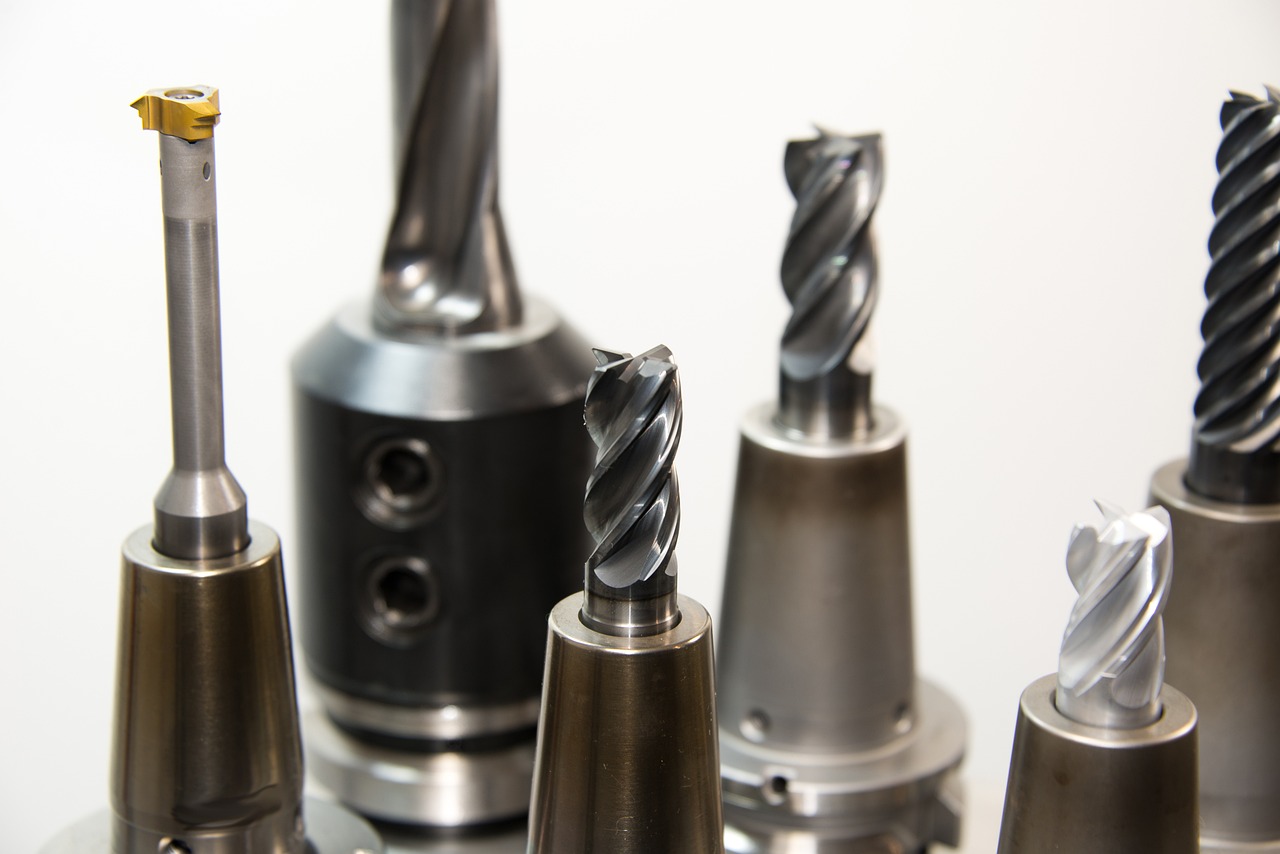
This image is property of pixabay.com.
What is a Depth Stop?
A depth stop is a device that is used in drill presses to control the depth of a drilled hole. It allows you to set a specific depth beforehand, ensuring that you do not drill too deep or shallow. This tool is essential for achieving accurate and consistent hole depths in various applications.
Definition
A depth stop is a mechanical or electronic device attached to a drill press that limits the depth of a hole by preventing the drill bit from going beyond a predetermined point. It acts as a guide to ensure consistent hole depths.
Purpose
The primary purpose of a depth stop is to provide precision and control during drilling operations. By setting a specific depth, you can avoid drilling too deep and damaging the workpiece or drilling too shallow and compromising the functionality of the hole. Depth stops help save time and minimize mistakes, making them an indispensable tool for any drilling project.
Benefits
Using a depth stop in your drill press offers several benefits. Firstly, it ensures consistent hole depths, resulting in uniformity and precision in your work. This is particularly important in applications such as furniture making, woodworking, and metalworking, where precise hole depths are crucial for proper assembly. Additionally, using a depth stop increases efficiency by reducing the time spent on measuring and adjusting hole depths manually. It also enhances safety by preventing over-drilling and potential accidents. Overall, a depth stop enhances the quality of your work and saves you time and effort.
Types of Depth Stops
There are two main types of depth stops that you can find in drill presses: manual depth stops and automatic depth stops. Each type has its own features and benefits, catering to different user preferences and requirements.
Manual Depth Stops
Manual depth stops are typically an attachment that can be easily adjusted and secured in place on the drill press. They often consist of a rod or a collar that interacts with the depth adjustment mechanism of the drill press. To set the desired depth, you manually position the depth stop at the desired distance from the tip of the drill bit.
Automatic Depth Stops
Automatic depth stops are more advanced and offer increased convenience and precision. They are usually electronic devices integrated into the drill press itself. These depth stops feature digital displays and controls, allowing you to set the desired depth with greater accuracy. Once set, the drill press will automatically stop at the pre-determined depth, eliminating the need for manual adjustment or monitoring.
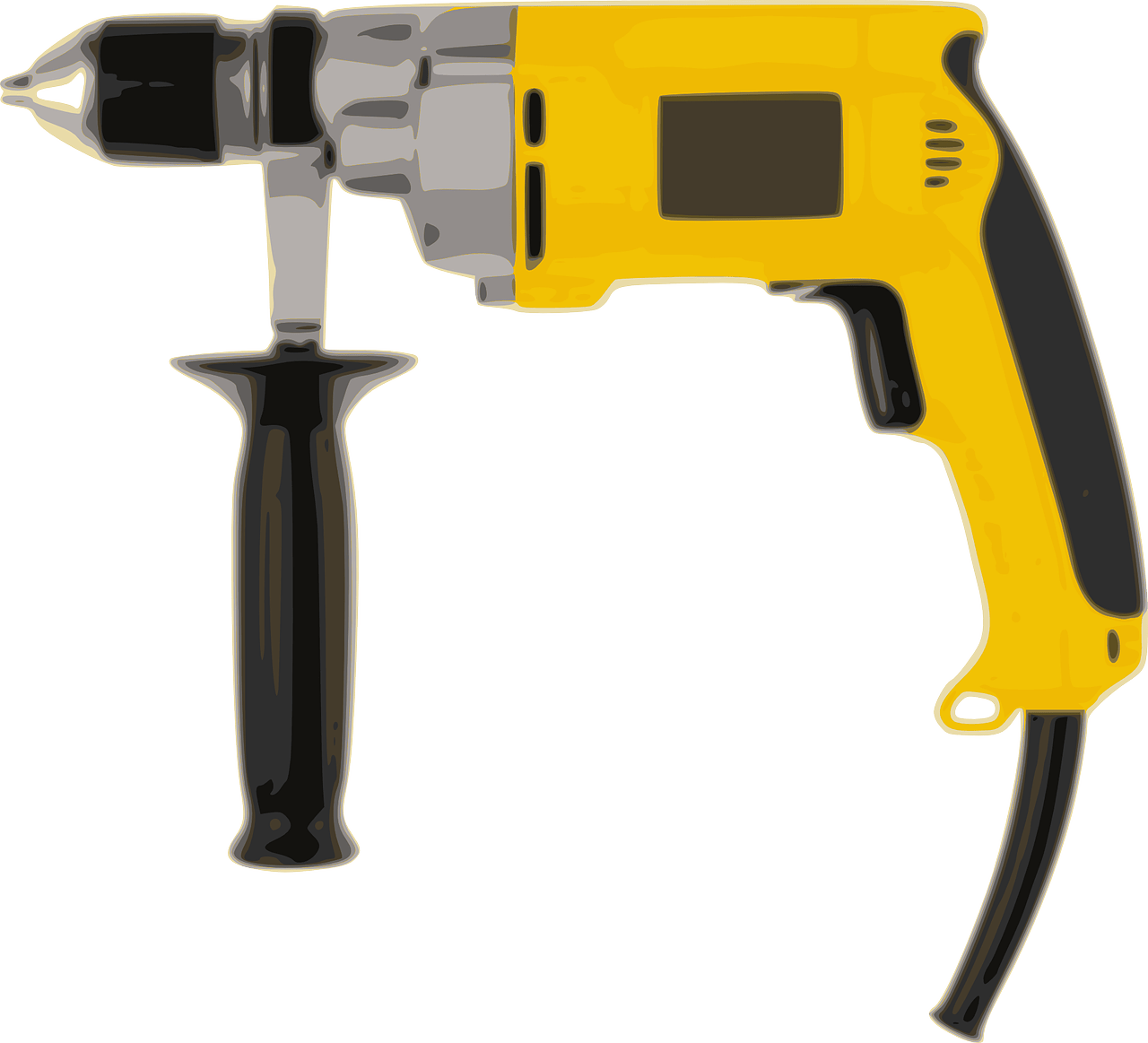
This image is property of pixabay.com.
Manual Depth Stops
Manual depth stops are a popular choice among DIY enthusiasts and professionals alike due to their simplicity and affordability. Let’s take a closer look at their description, operation, advantages, and disadvantages.
Description
Manual depth stops are often made of durable materials such as steel or aluminum to withstand the rigors of drilling. They typically feature measurement markings for easy reference and adjustment. Depending on the model, they may come with different attachment mechanisms, including clamps, screws, or locking mechanisms.
Operation
To use a manual depth stop, you attach it to the drill press and adjust it to the desired depth. This can be done by moving the rod or collar up or down along the calibrated shaft. Once the depth is set, you secure the depth stop in place using the provided locking mechanism. During drilling, the depth stop will prevent the drill bit from traveling beyond the predetermined depth point.
Advantages and Disadvantages
One of the main advantages of manual depth stops is their simplicity and ease of use. They are straightforward to attach and adjust, making them accessible to beginners and DIY enthusiasts. Additionally, manual depth stops are generally more affordable compared to automatic depth stops, making them a cost-effective choice for those who do not require advanced features.
However, manual depth stops do have a few limitations. Since they rely on manual adjustment and locking mechanisms, there is a higher chance of human error, which may lead to inconsistent hole depths. Manual depth stops also require more effort and time for setting up and adjusting compared to their automatic counterparts. Therefore, they might not be the ideal choice for projects requiring frequent depth changes or those that demand a high level of precision.
Automatic Depth Stops
Automatic depth stops offer enhanced precision, convenience, and accuracy in drilling operations. Let’s explore their description, operation, advantages, and disadvantages.
Description
Automatic depth stops are integrated into the drill press itself, providing a seamless and integrated solution for controlling hole depths. They typically feature digital displays and controls, allowing you to set the desired depth with precision. Automatic depth stops often come with additional features such as memory settings, allowing you to store and recall frequently used depths.
Operation
Using an automatic depth stop is relatively straightforward. Once the drill press is properly set up and turned on, you input the desired depth using the digital controls or buttons. The drill press will then automatically stop drilling when it reaches the pre-set depth, ensuring consistent and accurate hole depths.
Advantages and Disadvantages
The primary advantage of automatic depth stops is their unparalleled precision and convenience. With digital displays and controls, you can set the desired depth with utmost accuracy, making them ideal for projects that demand precise hole depths. These depth stops also eliminate the need for manual adjustment and monitoring, saving time and effort.
However, automatic depth stops are generally more expensive than manual ones. The integration of electronic components and advanced features contributes to the higher cost. Additionally, automatic depth stops may require periodic calibration or adjustment to maintain their accuracy, which might be a slight inconvenience for some users.

This image is property of pixabay.com.
Setting Up and Using a Depth Stop
Setting up and using a depth stop correctly is crucial to ensure accurate and safe drilling operations. Let’s go through the step-by-step process of attaching and utilizing a depth stop effectively.
Step 1: Attach the Depth Stop
Start by securely attaching the depth stop to your drill press. Follow the manufacturer’s instructions and use the appropriate attachment mechanism, such as clamps or screws. Ensure that the depth stop is firmly fixed and does not move during drilling.
Step 2: Adjust the Depth Stop
Before drilling, adjust the depth stop to the desired depth. For manual depth stops, move the rod or collar along the calibrated shaft until you reach the desired measurement. For automatic depth stops, use the digital controls or buttons to input the precise depth.
Step 3: Lock the Depth Stop
Once you have set the desired depth, lock the depth stop in place using the provided locking mechanism. This will prevent the depth stop from moving during drilling, ensuring consistent hole depths.
Step 4: Test the Depth Stop
Before proceeding with your project, it is essential to test the accuracy of your depth stop. Drill a test hole and measure its depth using a depth gauge or ruler. Compare the measured depth with the intended depth set on the depth stop. If there is any variance, make the necessary adjustments to achieve the desired accuracy.
Common Issues and Troubleshooting
While depth stops are generally reliable tools, occasional issues and malfunctions may occur. Here are some common problems you may encounter and potential solutions to troubleshoot them.
Inaccurate Depth Stops
If your depth stop is consistently providing inaccurate hole depths, start by checking the calibration or adjustment of the depth stop. Make sure it is correctly set to the desired depth. If the issue persists, consider recalibrating or adjusting the depth stop according to the manufacturer’s instructions. If all else fails, contact the manufacturer for further assistance.
Stuck or Jammed Depth Stops
If your depth stop becomes stuck or jammed and does not move, check for any debris or obstructions that may be preventing smooth operation. Clean the depth stop thoroughly and remove any debris. Lubricating the moving parts may also help resolve the issue. If the problem persists, seek professional advice or contact the manufacturer for support.
Loose or Unstable Depth Stops
If your depth stop tends to move or become loose during drilling, ensure that it is properly attached and locked in place. Check the attachment mechanism and tighten any screws or clamps as necessary. If the depth stop continues to be unstable, consider using additional locking mechanisms or consult the manufacturer for guidance.
Maintenance and Care
Regular maintenance and care will ensure the longevity and optimal performance of your depth stop. Here are some essential maintenance steps to consider.
Regular Cleaning
Keep your depth stop clean by removing any dirt, debris, or dust that may accumulate during drilling. Use a soft brush or a clean cloth to wipe off any residue. Be cautious around electronic components if you have an automatic depth stop.
Lubrication
Periodically lubricate the moving parts of your depth stop to ensure smooth operation. Use a recommended lubricant or consult the manufacturer’s guidelines for specific lubrication instructions. Avoid using excessive lubrication, as it may attract dust and debris.
Adjustment and Calibration
Check and recalibrate your depth stop if you notice any inaccuracies or inconsistent hole depths. Follow the manufacturer’s instructions for adjustment and calibration procedures. Regularly inspect the depth stop for any signs of wear or damage and address any issues promptly.
Safety Precautions
When utilizing a depth stop, it is essential to prioritize safety. Here are some important safety precautions to keep in mind.
Wear Safety Gear
Always wear appropriate safety gear, including safety goggles or glasses, ear protection, and work gloves. This will protect you from potential hazards such as flying debris or loud noises.
Read the Manual
Thoroughly read and understand the manufacturer’s manual or instructions before using your depth stop. Familiarize yourself with the specific features, operation, and safety guidelines of your particular depth stop model.
Keep Hands Clear
Ensure that your hands and fingers are clear of the drilling area and the depth stop during operation. Accidental contact with moving parts may lead to serious injuries.
DIY Projects Utilizing Depth Stop
Depth stops find widespread application in various DIY projects. Here are a few examples of projects where depth stops play a crucial role.
Furniture Making
When crafting furniture, precise and consistent hole depths are essential for proper assembly and alignment. Depth stops ensure that each hole drilled for joinery, such as dowels or screws, is consistent across multiple workpieces, resulting in sturdy and aesthetically pleasing furniture.
Woodworking
From cabinetry to decorative woodworking, accuracy is paramount in woodworking projects. Depth stops enable you to control the depth of holes required for joinery, hardware installation, or creating mortises. This ensures that your woodworking projects are both structurally sound and visually appealing.
Metalworking
In metalworking applications, depth stops are useful for creating holes with precise depths in metals. Whether for mechanical assemblies or decorative purposes, accurate hole depths are essential for achieving the desired functionality and aesthetic appeal of metalwork.
Conclusion
Depth stops are invaluable tools when it comes to achieving precise and consistent hole depths in drill press operations. Whether you opt for a manual depth stop or an automatic one, both offer their own advantages and cater to different user preferences. By using a depth stop effectively, you can enhance the accuracy, efficiency, and safety of your drilling projects.
Remember to follow the recommended setup and usage steps, troubleshoot common issues, and prioritize regular maintenance and care for your depth stop. With proper use and maintenance, a depth stop will serve as a reliable companion for your DIY projects, ensuring accurate and professional results.